Quick answer: A business website needs a homepage, one page per service or product, an about page, contact details visible on every page, social proof, and a clear next step. Australian businesses also need to consider privacy policy obligations, Australian Consumer Law compliance, and Spam Act requirements if collecting email addresses.
Most articles answering this question are written for the American market. They cover the pages well and skip the part that actually creates risk for an Australian business: privacy obligations, consumer law, and Spam Act requirements. Both halves are below.
This is an inventory, not a strategy guide. If you want to know how to judge whether a site is any good once it exists, that is a separate question covered in what makes a website good. Here we are listing what actually has to be on it.
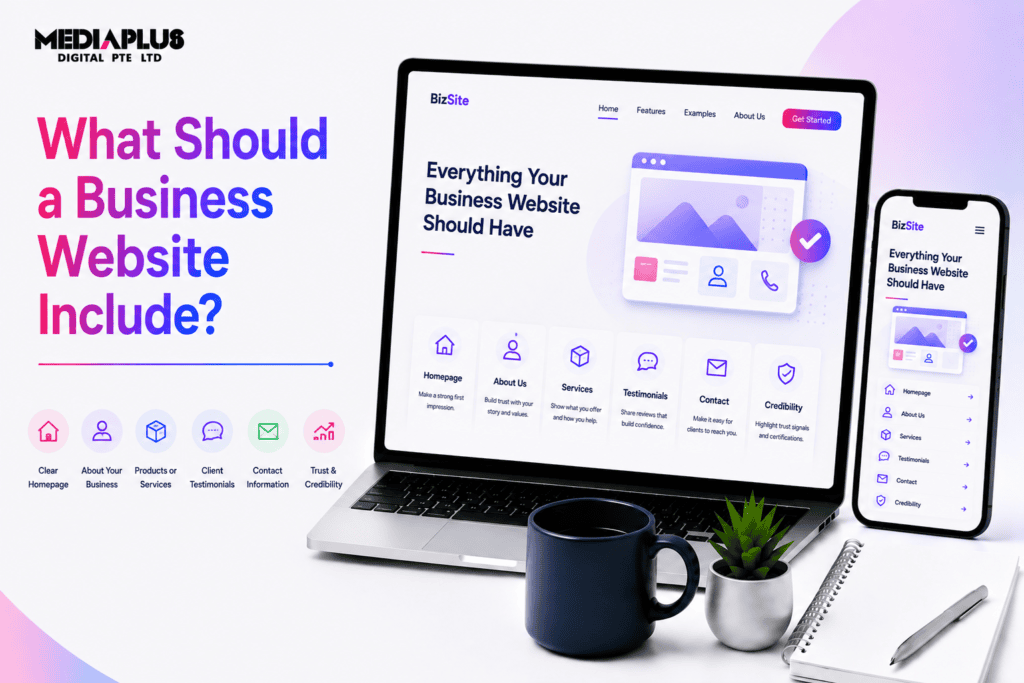
The pages
|
Page |
Required? |
What it does |
|
Home |
Essential |
Orients the visitor and routes them onward |
|
Service or product pages, one per offering |
Essential |
The pages that rank and convert |
|
About |
Essential |
Establishes who you are and why you can be trusted |
|
Contact |
Essential |
Capture, plus the details people look for |
|
Pricing or how we quote |
Strongly recommended |
Filters unqualified enquiries |
|
Case studies or portfolio |
Strongly recommended |
Proof you have done this before |
|
Testimonials or reviews |
Recommended |
Third party validation |
|
FAQ |
Recommended |
Handles objections and captures search traffic |
|
Team |
Situational |
Matters most in professional services |
|
Blog or resources |
Later |
Long term search traffic |
|
Privacy policy |
See legal section |
Legal and trust |
|
Terms and conditions |
Situational |
Necessary for ecommerce and paid services |
The mistake almost everyone makes is building one “Services” page listing eight offerings in a paragraph each. That page ranks for none of them and converts poorly for all of them. Split it, one page per service you actually want more of.
What belongs on every page
These appear site wide, not just on the contact page:
- Business name and logo, linking back to the homepage
- Phone number as a tap-to-call link on mobile, not plain text
- Email address or enquiry link
- Primary call to action, visible without scrolling
- Navigation that does not change between pages
- Footer with contact details, ABN, key links and copyright
- Search, once you pass roughly 30 pages
What belongs on the homepage
Above the fold, a visitor should be able to answer four questions without scrolling:
- What do you do?
- Do you serve my area or my situation?
- Why you rather than someone else?
- What do I do next?
Then below that:
- Services summary, each linking to its own page
- Proof: logos, review rating, project count, years operating
- A short explanation of how working with you goes
- Recent work or case study
- Final call to action
What belongs on a service page
|
Section |
Purpose |
|
H1 naming the service and location |
Ranking and orientation |
|
Call to action above the fold |
Capture the ready buyer |
|
The problem in the customer’s words |
Recognition |
|
What the service involves |
Reduces uncertainty |
|
Pricing guidance or how you quote |
Filters and converts |
|
Proof specific to this service |
Credibility |
|
Process and timeline |
Sets expectations |
|
FAQ |
Objection handling |
|
Closing call to action |
Capture the persuaded |
Trust elements Australian buyers look for
- ABN. Put it in the footer. It is a low effort credibility signal and buyers do check
- Licence or registration numbers where your trade or profession requires them. In some states, contractors are legally required to display licence numbers on advertising
- Public liability insurance, where relevant
- Industry association membership with logos
- Real photos of real people. Stock photography of models in an office reads as generic
- Physical address or at least a suburb. Total anonymity is a red flag
- Google reviews embedded live, not typed out as text
- Years in business and a specific volume figure. “Over 1,200 installs across Melbourne since 2014” beats “many satisfied customers”
Note one exception. If you are a registered health practitioner, testimonials in advertising are restricted under the National Law, and you cannot embed patient reviews on your own site. That rule catches a lot of businesses out.
The legal and compliance side
This is where Australian business websites most often fall short. None of the following is legal advice, and you should confirm your obligations with a qualified adviser.
Privacy policy. The Privacy Act 1988 has historically exempted most businesses with annual turnover under $3 million. That exemption is being removed through the Privacy and Other Legislation Amendment Act 2024, with commencement reported for December 2026, which would bring an estimated 2.5 million additional Australian businesses under the full Australian Privacy Principles. Timing and detail have moved during the reform process, so verify the current position on the OAIC website. The practical advice regardless of your turnover: if you collect names, emails, phone numbers or use analytics and tracking, publish a privacy policy now. It costs little and it is becoming mandatory.
Australian Consumer Law. Your site must not mislead or deceive. That covers pricing claims, comparative statements, fake urgency, and testimonials. Consumer guarantees cannot be excluded, so avoid terms claiming otherwise.
Spam Act 2003. If you collect email addresses for marketing you need consent, accurate sender identification, and a working unsubscribe in every message. A newsletter signup box with no consent wording and no privacy link is a common gap.
Pricing display. Prices shown to consumers must include GST and be a single total figure where a total can be calculated. Component pricing rules apply.
Cookies and tracking. Australia has no standalone cookie law equivalent to the EU, but if you use analytics or advertising pixels, disclose it in the privacy policy. If you have EU or UK visitors, their rules may apply to you.
Accessibility. Not universally mandated for private business, but the Disability Discrimination Act has been applied to websites, and WCAG 2.1 AA is the practical benchmark. It is also good design.
Technical elements that are easy to miss
- SSL certificate. A site served over plain HTTP is flagged as not secure and loses visitors instantly
- Mobile responsive layout. Not optional. Most traffic is mobile
- Fast load on mobile data, not just office wifi. See our explainer on Core Web Vitals
- Custom domain and business email. A Gmail address on a business site undercuts everything else
- Analytics installed and conversions configured, or you are guessing
- Google Business Profile linked and consistent with the site
- XML sitemap and sensible URLs
- Favicon and social share images, so links do not look broken when shared
- A real 404 page that routes people back
- Backups and updates. Covered in our website maintenance service
- Reliable hosting. See what web hosting is
Conversion elements
Having the pages is not the same as getting enquiries:
- One clear primary action per page. Competing calls to action cancel each other out
- A short form. Four fields converts better than ten. Ask only what you need to make the first call
- Multiple contact routes. Phone, form, email. Roughly a third of people cannot call right now
- A useful thank you page. Tell them when you will respond, give the phone number for urgent matters
- Response time stated. “We reply within one business day” reduces hesitation
Our guides to calls to action and the conversion rate optimisation checklist cover this in depth.
If you sell online
Ecommerce adds requirements:
- Product pages with multiple images, specifications and stock status
- A secure payment gateway with recognised methods
- Shipping costs and delivery timeframes stated before checkout
- Returns and refunds policy consistent with consumer guarantees
- Order confirmation and tracking
- GST inclusive pricing
- Guest checkout, because forced account creation costs sales
Our ecommerce website launch checklist covers the full pre launch list, and how to start an ecommerce business in Singapore covers the wider setup for that market.
The minimum viable business website
If you are starting with nothing and need to launch quickly, this is the smallest set that still works:
- Home page answering the four questions
- One page per main service
- About page with real photos and real history
- Contact page with phone, email, form and location
- Privacy policy
- Tap-to-call in the header on mobile
- SSL, mobile responsive, analytics installed
- Google Business Profile claimed and linked
That is roughly six to eight pages and it beats a twenty page site with no clear action on any of them.
Frequently asked questions
What are the most important pages on a business website?
Home, individual service pages, about and contact. Service pages do most of the ranking and converting work, which is why splitting them out matters.
Does an Australian business website need a privacy policy?
If you collect personal information, publish one. The small business exemption under the Privacy Act is being removed through reform legislation, so businesses previously exempt are coming into scope. Check the current position with the OAIC.
Do I need to show my ABN on my website?
There is no general requirement to display it on a website, though it is required on tax invoices. Putting it in the footer is a simple credibility signal and most established Australian businesses do.
How many pages should a small business website have?
Usually six to fifteen. One per service you want more of, plus the core pages. Quality per page matters more than count.
What makes a business website look professional?
Consistency, real photography, clear structure, fast loading, and visible contact details. Most of what reads as unprofessional is inconsistency and stock imagery rather than budget.
Where to start
Work through the minimum viable list above and check what is missing. For most Australian businesses the gaps are the same: no individual service pages, no privacy policy, no visible phone number on mobile, and no clear next step.
If you would rather have it built properly the first time, our web design and development team works with Australian businesses. Get in touch and we will audit what you have against this list.
This article is general information, not legal advice. Privacy, consumer and spam law obligations change. Confirm your position with a qualified adviser and check the OAIC and ACCC websites for current requirements.