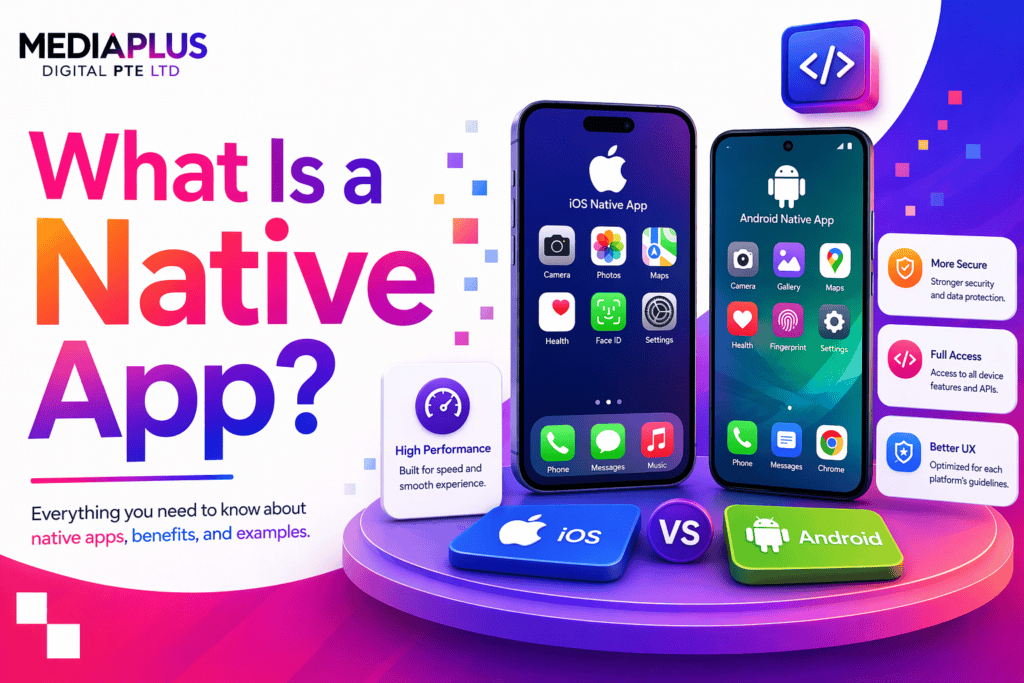
Quick answer: A native app is built specifically for one operating system using that platform’s own programming languages and development tools, then distributed through its app store. iOS apps are built with Swift, Android apps with Kotlin. Native apps get full access to device hardware, the best performance, and the platform’s standard interface behaviour, at the cost of building and maintaining separate versions for each platform.
The word “native” gets used loosely, which is why the question comes up. It has a specific technical meaning.
A native app is written for one platform, in that platform’s own language, using its own development tools, and compiled into code that runs directly on the device. There is no intermediate layer translating between your code and the operating system.
That is the whole definition. Everything below follows from it.
How native apps are actually built
|
Platform |
Language |
Framework |
Tool |
Distribution |
|
iOS and iPadOS |
Swift |
SwiftUI or UIKit |
Xcode |
Apple App Store |
|
Android |
Kotlin |
Jetpack Compose or Views |
Android Studio |
Google Play Store |
Older iOS apps use Objective-C and older Android apps use Java. Both are still supported, and both still appear in long lived codebases, but new native work in 2026 is almost entirely Swift and Kotlin.
The practical consequence: building native for both platforms means building two apps. Two codebases, two sets of skills, two release cycles, two lots of maintenance. That is the central trade off, and it is why alternatives exist.
What “native” gets you
Full access to device capabilities. Camera at full quality, GPS in the background, Bluetooth and NFC, biometric authentication, secure storage, health and fitness sensors, augmented reality. New operating system features are available the day they ship rather than whenever a third party framework catches up.
The best performance. Compiled directly for the device, with no bridge or interpretation layer. This matters for anything doing heavy processing: video editing, games, real time mapping, large data sets, complex animation.
Platform conventions for free. iOS and Android have different navigation patterns, different gestures, different typography and different expectations about where things sit. Native apps get these automatically because they use the platform’s own components. Users notice when an app feels wrong, even when they cannot articulate why.
Better offline behaviour. Local storage, background sync and offline first design are more straightforward.
Accessibility support. VoiceOver and TalkBack work properly with standard native components without extra effort.
What native costs you
Two of everything. Two codebases to write, test, release and maintain. A change to a feature has to be made twice.
Higher cost. Broadly speaking, building native for both platforms costs meaningfully more than a single cross platform codebase, though the exact difference depends on the app.
Slower to ship. Two teams or one team working sequentially.
Harder to hire for. You need Swift and Kotlin skills rather than one shared skill set. In the Australian market that means either two specialists or a larger agency.
When native is the right answer
Native is worth the extra cost when:
- The app depends on hardware features: camera processing, background location, Bluetooth peripherals, AR, health sensors
- Performance is the product: games, video, real time processing, large local data sets
- The interface needs to feel unmistakably right, which matters most in consumer apps competing on experience
- You are building for a long horizon and the maintenance burden is acceptable
- You need day one support for new operating system features
- Security requirements push you toward platform level protections
When it is probably not worth it: internal business tools, content driven apps, simple booking or ordering apps, most first versions where you are still testing whether anyone wants the thing.
For a first release testing an idea, the cost of building twice is rarely justified. Our guide to app development strategy covers sequencing this.
Native compared with the alternatives
There are three other approaches, covered properly in our comparison of hybrid apps versus native apps. In short:
|
Approach |
What it is |
Trade off |
|
Native |
Separate app per platform in the platform’s language |
Best experience, highest cost |
|
Cross platform |
One codebase compiled to both, using React Native or Flutter |
Close to native for most apps, one codebase |
|
Hybrid |
Web app wrapped in a native shell, using Ionic or Capacitor |
Cheapest and fastest, weakest performance |
|
Progressive web app |
A website with app like behaviour, no app store |
No install friction, limited device access |
The gap between native and good cross platform work has narrowed considerably. For a large share of business apps, Flutter or React Native now produces something users cannot distinguish from native.
What native app development costs in Australia
Indicative ranges as at 2026, for one platform:
|
Scope |
Cost per platform |
Timeline |
|
Simple app, few screens, no backend |
$30,000 to $60,000 |
2 to 4 months |
|
Standard business app with backend and accounts |
$60,000 to $150,000 |
4 to 8 months |
|
Complex app, integrations, real time features |
$150,000 upwards |
8 months plus |
Double these for native on both iOS and Android. Then budget for ongoing maintenance, commonly 15% to 20% of the build cost each year, which covers operating system updates, security patches and store policy changes.
That maintenance figure is the line most businesses forget. An app is not a project that finishes. Both Apple and Google update their platforms annually and periodically change store requirements, and an unmaintained app eventually stops working or gets removed.
Our breakdown of app development costs in Australia goes into the variables.
App store distribution
Native apps are distributed through the stores, which brings its own considerations:
- Review process. Apple reviews every submission and rejections are common on a first attempt. Google’s process is faster but still enforced
- Commission. Both stores take a percentage of in app purchases and subscriptions, with reduced rates for smaller developers
- Developer accounts. Apple charges an annual fee, Google a one off registration
- Ongoing compliance. Privacy labels, data disclosures and permission justifications are required and change over time
Budget four to six weeks between “the app is finished” and “the app is live” for a first release.
Do you need an app at all?
Worth asking before spending six figures. A large number of businesses that commission an app would be better served by a fast, well built mobile website.
An app makes sense when you have genuine repeat usage, need offline capability or hardware access, want push notifications as a real channel, or the app is the product.
A mobile website is enough when the interaction is occasional, the content is the point, or you mainly need people to find you and get in touch. Nobody installs an app to book one appointment a year.
Our guides to responsive web design and mobile first design cover the web route.
Frequently asked questions
What is a native app in simple terms?
An app built specifically for one operating system, using that platform’s own languages and tools, and installed from its app store.
What is the difference between a native app and a web app?
A native app is installed on the device and runs directly on the operating system. A web app runs in a browser. Native gets full device access and better performance, web needs no installation and works everywhere.
Is WhatsApp a native app?
Its mobile apps are built natively for iOS and Android, yes. Most large consumer apps with heavy hardware use are native or close to it.
Are native apps faster than hybrid apps?
Generally yes, particularly for graphics heavy or computation heavy work. For a straightforward business app the difference is often imperceptible to users.
Do I need separate iOS and Android apps?
For native, yes, that is what native means. Cross platform frameworks such as Flutter and React Native let you maintain one codebase and ship to both.
How long does a native app take to build?
Two to four months for something simple, four to eight for a standard business app, longer for complex products. Add four to six weeks for store review and launch.
Where to start
Decide whether you need an app before deciding what kind. If the honest answer is that a fast mobile website would do the job, build that instead and spend the difference on getting people to it.
If you do need an app, the next decision is native versus cross platform, which our comparison of hybrid apps versus native apps works through with a decision framework.
Our mobile app development team builds for Australian businesses and will tell you honestly if a website would serve you better. Get in touch to talk it through.
Costs are indicative as at 2026 and vary by scope and provider.