Building a WordPress website is one of the most practical ways to establish an online presence today. Whether you want to launch a business website, blog, or ecommerce store, WordPress offers the flexibility and scalability to support long-term growth.
However, many beginners assume that creating a WordPress site is simply about choosing a theme and publishing content. In reality, developing a high-performing website requires a structured approach that combines design, functionality, and technical optimisation.
A well-developed WordPress website is not just visually appealing. It needs to load quickly, be easy to navigate, support SEO, and convert visitors into customers.
This guide walks through the full process of how to develop a WordPress website, from initial setup to launch and optimisation.
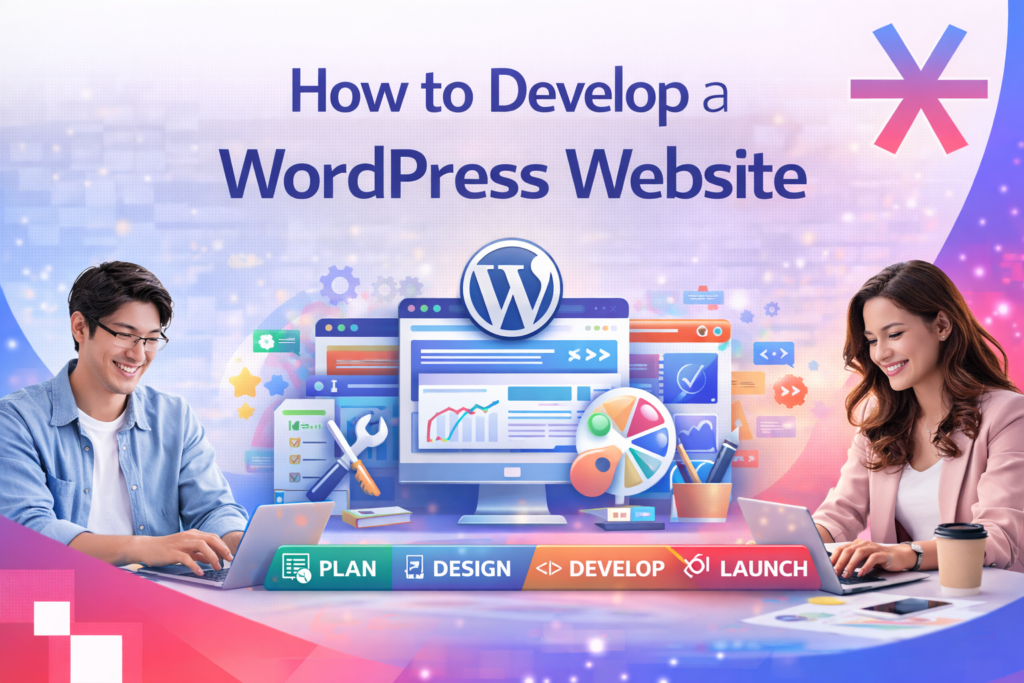
How to Develop a WordPress Website Step by Step
Step 1: Choose Domain Name and Hosting
The first step in developing a WordPress website is setting up your domain and hosting.
Your domain name represents your brand online, while hosting is where your website’s data is stored. Choosing reliable hosting is critical because it directly impacts website speed, uptime, and security.
Many businesses invest in professional domain and hosting services to ensure stability and scalability as traffic grows.
Step 2: Install WordPress
Once hosting is ready, you can install WordPress.
Most hosting providers offer one-click WordPress installation, making it easy for beginners to get started. After installation, you will gain access to the WordPress dashboard, where you can manage your website’s content, design, and settings.
At this stage, your website is live but still basic in structure.
Step 3: Select a Theme and Design Your Website
WordPress themes control the visual appearance of your website.
You can choose from thousands of free and premium themes depending on your business needs. After selecting a theme, you can customise layout elements such as colours, typography, homepage sections, and page structure.
Modern WordPress uses a block-based editor, allowing you to build pages using flexible content blocks like images, text sections, videos, and buttons.
A strong homepage design is essential because it creates the first impression and guides users toward key actions.
Step 4: Create Core Pages
Every WordPress website should include essential pages that help users understand your business and navigate easily.
Common pages include:
-
Homepage
-
About page
-
Services or product pages
-
Contact page
These pages form the foundation of your website and should be structured clearly with user intent in mind.
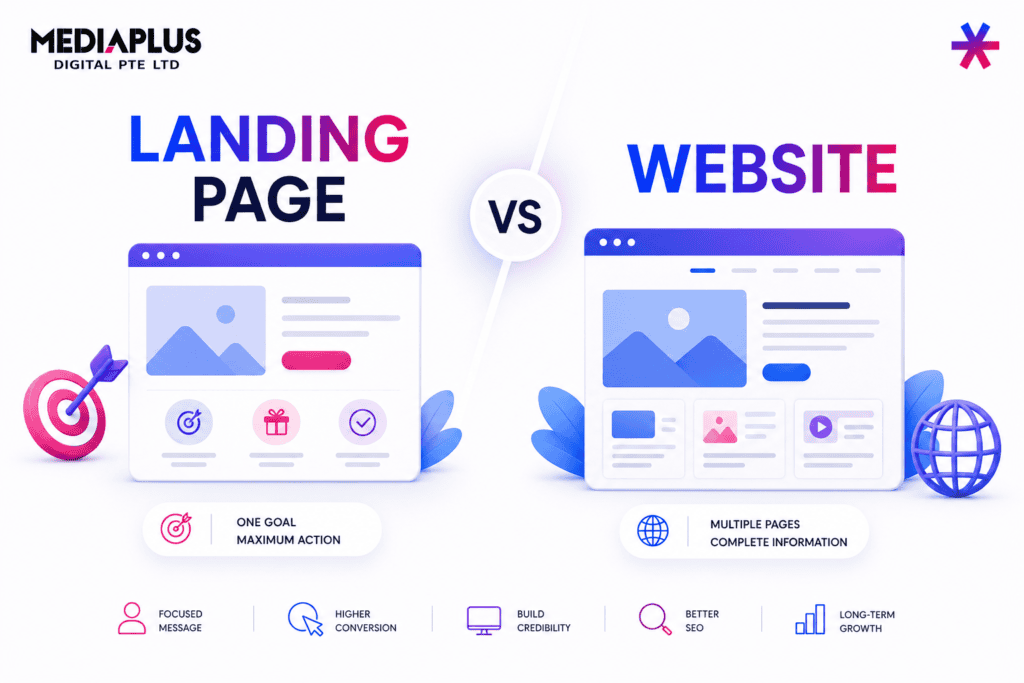
Businesses focused on lead generation often invest additional effort into high-converting landing pages to drive enquiries and sales.
Step 5: Set Up Navigation Menu
Navigation plays a key role in user experience.
A well-structured menu helps visitors find information quickly and improves overall usability. In WordPress, you can create menus and assign them to different areas such as the header or footer.
Clear navigation also supports SEO by helping search engines understand your site structure.
Step 6: Install Essential Plugins
Plugins extend the functionality of your WordPress website.
Depending on your goals, you may install plugins for SEO, security, performance optimisation, analytics, and contact forms.
However, it is important not to overload your website with too many plugins, as this can affect performance and security.
A well-optimised website uses only necessary plugins configured properly.
Step 7: Optimise for SEO and Performance
A WordPress website should be optimised before launch.
SEO optimisation includes setting up meta tags, improving site structure, and ensuring content aligns with search intent.
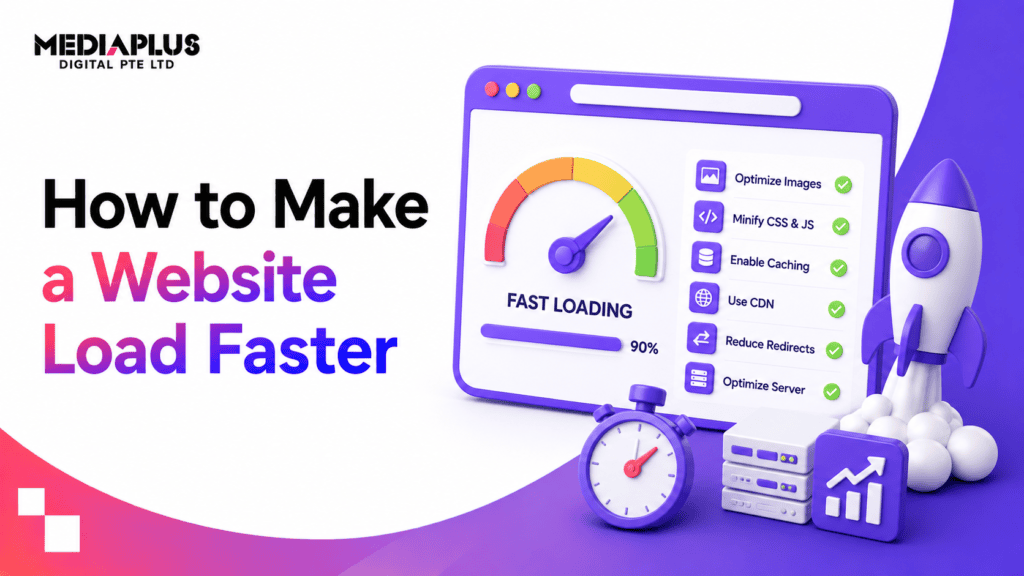
Performance optimisation focuses on page speed, image compression, caching, and mobile responsiveness.
These factors directly impact user experience and search engine rankings.
Step 8: Integrate Marketing Tools
To turn your website into a growth channel, you need to integrate marketing tools.
This may include:
-
Google Analytics for tracking performance
-
advertising platforms for traffic generation
-
email marketing systems for lead nurturing
Businesses that combine website development with marketing strategy often see stronger results compared to those that treat the website as a standalone asset.
Step 9: Test and Launch
Before launching your WordPress website, you should test all key functions.
This includes checking:
-
mobile responsiveness
-
page speed
-
forms and contact features
-
navigation and links
Once everything is working correctly, you can publish your website and make it accessible to users.
Step 10: Maintain and Improve
Website development does not end after launch.
Ongoing maintenance is required to keep your WordPress site secure, updated, and optimised. This includes updating plugins, monitoring performance, and improving content over time.
Businesses that continuously optimise their websites are more likely to achieve sustainable growth.
Final Thoughts
Developing a WordPress website is a structured process that goes beyond basic setup.
A successful website combines design, functionality, performance, and marketing integration to deliver real business results.
While WordPress makes it possible for anyone to build a website, achieving high performance often requires careful planning and technical expertise.
For businesses that want to build websites that do more than just exist online, working with experienced professionals can make a significant difference.
MediaPlus Digital Australia supports companies with WordPress website development, scalable domain hosting, and high-converting landing page development. Combined with services such as Google Ads campaigns and broader digital marketing strategies, businesses can turn their WordPress websites into powerful platforms for traffic, leads, and long-term growth.