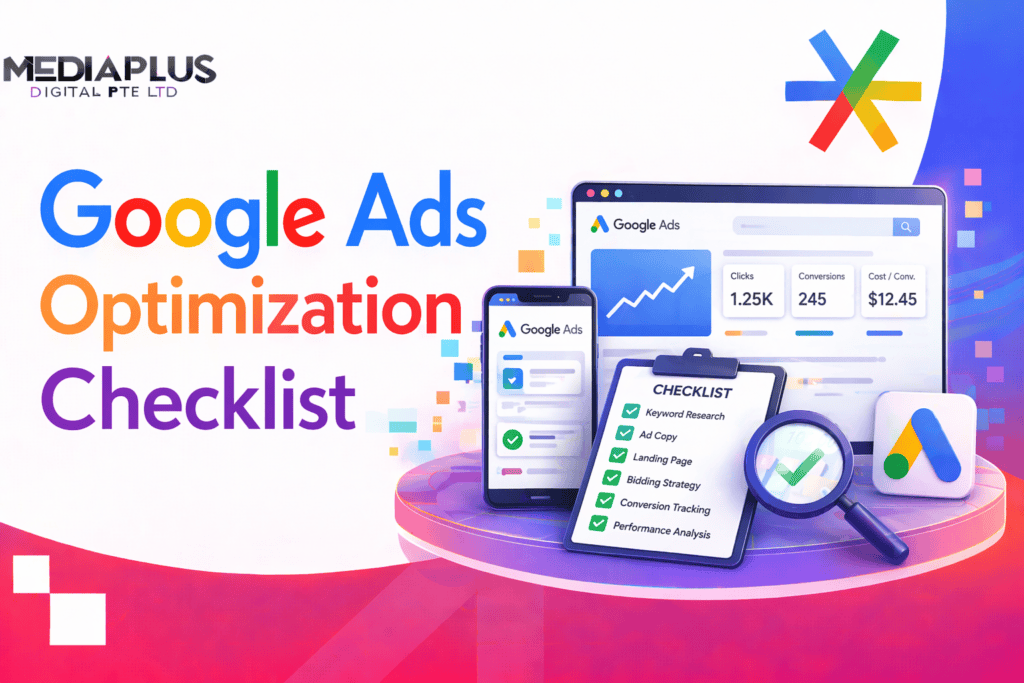
Running Google Ads without a systematic optimization routine is like driving with your eyes closed – you might get somewhere, but you’ll waste a lot of fuel along the way. This checklist covers everything you need to audit and optimize, organized by priority.
Table of Contents
Account Structure
- Organise campaigns by business goal (lead gen, ecommerce, brand awareness) – not by keyword theme alone.
- Separate Search, Display, Shopping, and Performance Max into distinct campaigns – never mix network types.
- Use a clear, consistent naming convention (e.g., [Country]-[Campaign Type]-[Product/Service]-[Target]).
- Limit ad groups to 15-20 tightly themed keywords each.
- Create separate campaigns for brand and non-brand keywords – they have fundamentally different performance profiles.
Keyword Strategy
- Review search terms report weekly – add irrelevant terms as negative keywords.
- Build a comprehensive negative keyword list and apply it at account and campaign level.
- Use phrase match and exact match for control; use broad match only with smart bidding and sufficient conversion data.
- Remove keywords with zero impressions over 90 days – they add clutter without value.
- Identify high-CPC, low-conversion keywords and pause or restructure them.
Understanding Google Ads costs in Australia helps you benchmark your keyword CPCs against industry averages.
Ad Copy Optimization
- Run at least 2-3 Responsive Search Ads (RSAs) per ad group with unique headlines and descriptions.
- Include primary keyword in Headline 1 – this improves Quality Score and click-through rate.
- Use specific numbers, benefits, and calls-to-action (“Get a Free Quote”, “Save 30%”, “Ships Free Australia-Wide”).
- Pin your most important headline to Position 1 and your strongest CTA to a description position.
- Test different value propositions – price, speed, quality, guarantee, social proof.
- Review ad strength indicator – aim for “Good” or “Excellent” on every RSA.
Ad Assets (Extensions)
- Add sitelink extensions (minimum 4) pointing to your most important pages.
- Add callout extensions highlighting key benefits (Free Shipping, 24/7 Support, Australian Owned).
- Add structured snippets for service categories, product types, or brands.
- Enable call extensions with your business phone number.
- Add location extensions if you have a physical presence.
- Add price extensions for products/services with clear pricing.
- Use image extensions to make your ads more visual (especially for ecommerce).
Bidding Strategy
- Use smart bidding (Target CPA, Target ROAS, Maximize Conversions) once you have 30+ conversions per month per campaign.
- Start with Maximize Clicks or Manual CPC if you have insufficient conversion data.
- Set bid adjustments for devices, locations, and time of day based on performance data.
- Review bid strategy reports monthly – check if your target CPA/ROAS is achievable with current budgets.
- Don’t change bidding strategies too frequently – allow 2-4 weeks for the algorithm to learn.
Quality Score
- Check Quality Score for your top keywords – aim for 7+ across Expected CTR, Ad Relevance, and Landing Page Experience.
- Improve Expected CTR by writing more compelling, keyword-relevant ad copy.
- Improve Ad Relevance by tightening ad group themes – each ad group should target closely related keywords.
- Improve Landing Page Experience by ensuring your landing pages are fast, mobile-responsive, and relevant to the ad and keyword.
Landing Page Optimization
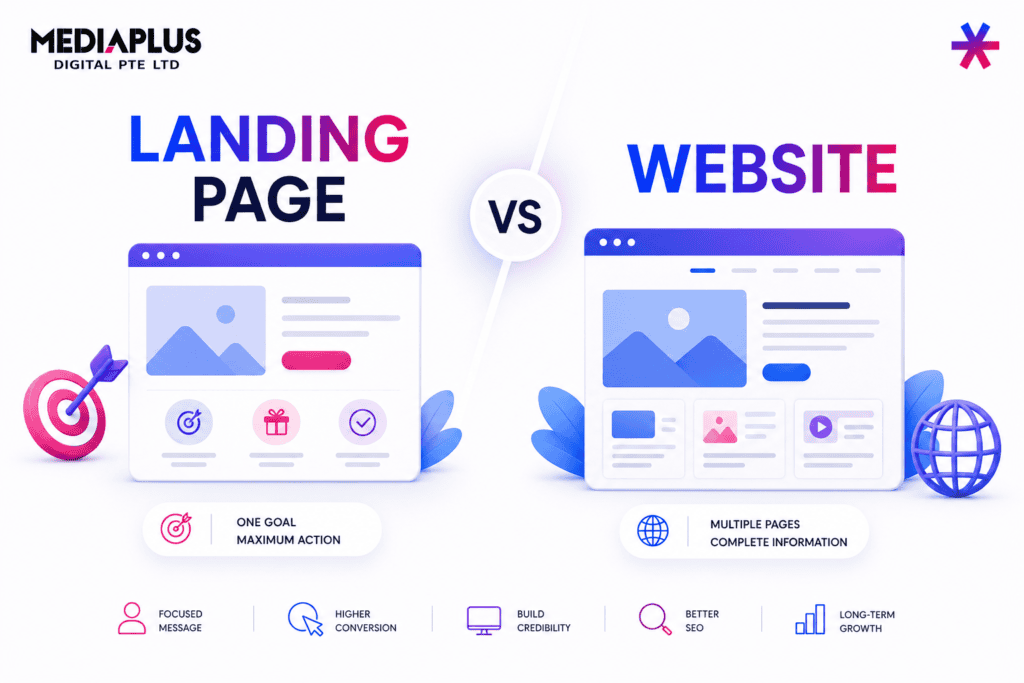
- Each ad group should point to a relevant, specific landing page – not your homepage.
- Ensure landing page headline matches the ad headline (message match).
- Page load time under 3 seconds on mobile – test with Google PageSpeed Insights.
- Include a clear, prominent CTA above the fold.
- Add trust signals: reviews, security badges, guarantees, client logos.
- Test landing page variations – even small changes can improve conversion rates by 10-30%.
Conversion Tracking
- Verify all conversion actions are firing correctly – check with Google Tag Assistant.
- Use Google Ads conversion tracking AND import Google Analytics goals for cross-referencing.
- Implement Enhanced Conversions for better attribution accuracy (hashed first-party data).
- Set appropriate conversion windows (30-day click, 1-day view is standard for most businesses).
- Assign accurate conversion values – especially for ecommerce and lead generation.
- Track micro-conversions (form starts, button clicks, scroll depth) alongside macro-conversions (purchases, form submissions).
Audience Targeting and Remarketing
- Add in-market and affinity audiences as observation layers to search campaigns – review data monthly for bid adjustments.
- Build remarketing lists: all visitors (30/90/180 days), cart abandoners, past purchasers, high-value customers.
- Create Customer Match audiences from your email list for targeting and exclusion.
- Exclude past converters from acquisition campaigns to avoid wasting budget.
- Use similar/lookalike audiences to expand reach beyond your known customer base.
Performance Max Campaigns
- Provide strong creative assets: at least 5 headlines, 5 descriptions, 5 images, 1 video, logo, and final URL.
- Use audience signals (custom segments, your data) to guide the algorithm – don’t leave it blank.
- Monitor asset group performance – replace underperforming creative regularly.
- Check the insights tab for search themes, audience segments, and placement data.
- Run Performance Max alongside standard Search campaigns for brand terms to maintain control.
Google Shopping Optimization
- Optimise product titles with primary keywords, brand, colour, size, and material.
- Use high-quality product images with clean white backgrounds.
- Keep product feed accurate: correct pricing, availability, GTINs, and shipping information.
- Add custom labels to segment products by margin, best-seller status, or seasonal relevance.
- Use negative keywords to block irrelevant search queries from triggering your Shopping ads.
Weekly and Monthly Optimization Routine
Weekly
- Review search terms report and add negative keywords.
- Check budget pacing – are campaigns running out of budget too early?
- Monitor conversion tracking for any drops or anomalies.
- Review top-performing and worst-performing ads.
Monthly
- Full keyword performance review – pause underperformers, add new opportunities.
- A/B test new ad copy variations.
- Review audience performance and adjust bid modifiers.
- Analyse Quality Score trends and take action on low scorers.
- Review landing page performance (bounce rate, conversion rate, load speed).
- Check competitor activity using Auction Insights report.
Quarterly
- Full account structure review – restructure underperforming campaigns.
- Review bidding strategy effectiveness.
- Refresh ad creative and landing pages.
- Update negative keyword lists comprehensively.
- Align Google Ads strategy with broader digital marketing goals.
Common Google Ads Mistakes
- Not using negative keywords – you’re paying for irrelevant clicks.
- Sending all traffic to the homepage instead of dedicated landing pages.
- Using broad match keywords without smart bidding – a recipe for wasted spend.
- Not tracking conversions properly – you can’t optimise what you can’t measure.
- Changing too many things at once – isolate variables so you know what actually improved results.
- Ignoring mobile performance – mobile traffic often converts differently than desktop.
- Setting and forgetting – Google Ads requires ongoing optimization, not a one-time setup.
- Chasing vanity metrics (impressions, clicks) instead of business outcomes (conversions, revenue, ROAS).
Final Thoughts
Google Ads optimization is never ‘done’ – it’s a continuous process of testing, learning, and refining. Use this checklist as your recurring audit framework, and you’ll consistently improve your ROAS over time.
Want expert Google Ads management? Get in touch with MediaPlus Digital Australia for a free Google Ads audit and consultation.