Building a website in 2026 no longer requires coding skills, technical knowledge, or a large budget. Website builders have evolved into powerful platforms that allow individuals and businesses to launch professional websites quickly, manage content easily, and scale when needed.
The challenge is not whether website builders work. The real question is which website builder is right for your goals.
Below is a practical breakdown of the best website builders in 2026, based on ease of use, flexibility, design quality, SEO capability, and overall value.
What Is a Website Builder?
A website builder is a platform that lets you create a website using visual tools instead of writing code.
Most website builders include:
- Drag-and-drop or visual editors
- Pre-designed templates
- Hosting and security
- SEO settings
- Ecommerce features (on paid plans)
They are ideal for small businesses, freelancers, startups, and anyone who wants speed and simplicity without hiring a developer.
Best Website Builders in 2026
1. Wix
Wix remains the most balanced website builder in 2026.
It offers unmatched flexibility for a no-code platform, with true drag-and-drop editing, hundreds of templates, and a large app marketplace. Wix is suitable for business websites, blogs, portfolios, and small to medium online stores.
Best for
- Beginners who still want design freedom
- Small businesses and freelancers
- Content-heavy or multi-language websites
Limitations
- Can feel complex for absolute beginners
- Editor performance can slow down on large sites
2. Squarespace
Squarespace is known for clean, modern design and polished templates.
It prioritises aesthetics and consistency over flexibility, which makes it a strong choice for creatives, agencies, and brands that care deeply about visual presentation.
Best for
- Designers, photographers, and creatives
- Brand-focused websites
- Content and image-driven sites
Limitations
- No free plan
- Less design freedom than Wix
- Add-ons often required for advanced features
3. Webflow
Webflow sits between a website builder and a full CMS.
It offers near-complete design control and clean code output, but requires understanding layout logic and web fundamentals. Webflow is often used by designers and agencies building custom websites without traditional development.
Best for
- Designers and agencies
- Custom layouts and animations
- Scalable content-driven sites
Limitations
- Steep learning curve
- Higher cost
- Not beginner-friendly
4. Duda
Duda is popular with agencies and teams managing multiple websites.
It combines flexible layouts with strong client management tools, white-label features, and collaboration workflows.
Best for
- Agencies and freelancers
- Client-based website projects
- Multi-site management
Limitations
- Expensive for solo users
- Editor complexity for beginners
5. Strikingly
Strikingly focuses on speed and simplicity.
It is designed for one-page websites, landing pages, and simple projects that need to go live quickly.
Best for
- One-page websites
- Startups and MVPs
- Simple landing pages
Limitations
- Limited design flexibility
- Not suitable for complex websites
6. SITE123
SITE123 removes complexity almost entirely.
Instead of free design, users assemble websites using predefined sections. This ensures consistency but limits creativity.
Best for
- Absolute beginners
- Simple business or personal sites
- Users who value speed over uniqueness
Limitations
- Generic designs
- Limited customisation
7. Webador
Webador is a budget-friendly option focused on ease of use.
It provides drag-and-drop within structured layouts, making it beginner-friendly without being too restrictive.
Best for
- Small personal or club websites
- Budget-conscious users
Limitations
- Limited templates
- Basic feature set
8. Framer
Framer is a design-first platform built for advanced users.
It is best described as a website builder for designers who want animation, interaction, and full creative control without traditional coding.
Best for
- UX and UI designers
- Highly visual, interactive websites
Limitations
- Not beginner-friendly
- Limited ecommerce features
Website Builder vs Custom Website
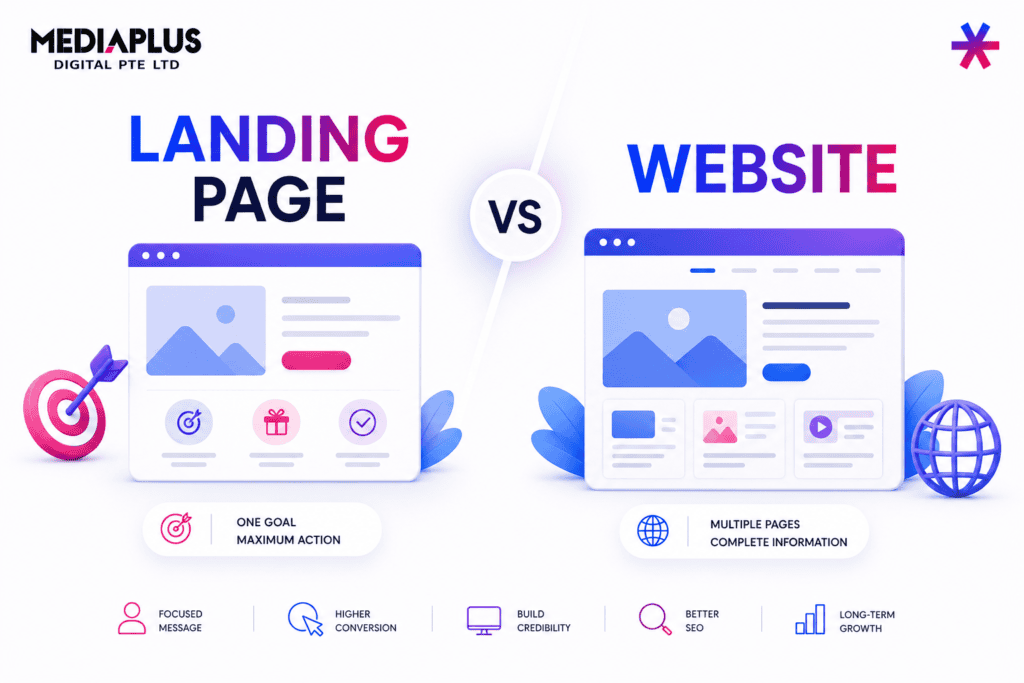
Website builders are fast and affordable, but they are not always the best long-term solution.
You may want a custom website if:
- SEO and performance are critical
- You need advanced integrations
- You plan to scale significantly
- Brand differentiation matters
In these cases, working with a professional website design and development service can provide better flexibility, performance, and long-term value.
Final Thoughts
Website builders in 2026 are powerful, accessible, and capable of producing professional results when used correctly. The best platform depends entirely on your goals, budget, and technical comfort level.
If you need speed and simplicity, builders like Wix or Squarespace are strong options. If you need deeper control, Webflow or Framer may be worth the learning curve.
For businesses that view their website as a long-term growth asset rather than a quick launch tool, partnering with an experienced team such as MediaPlus Digital Australia for professional website design and development services can help bridge the gap between convenience and performance.
Choosing the right approach early saves time, cost, and rework later.